Sign in with Google
No separate sign-up; free minutes every month.
120 free minutes every month
Upload research and oral-history interviews. Azhu separates interviewer and interviewee, with a time on every passage.
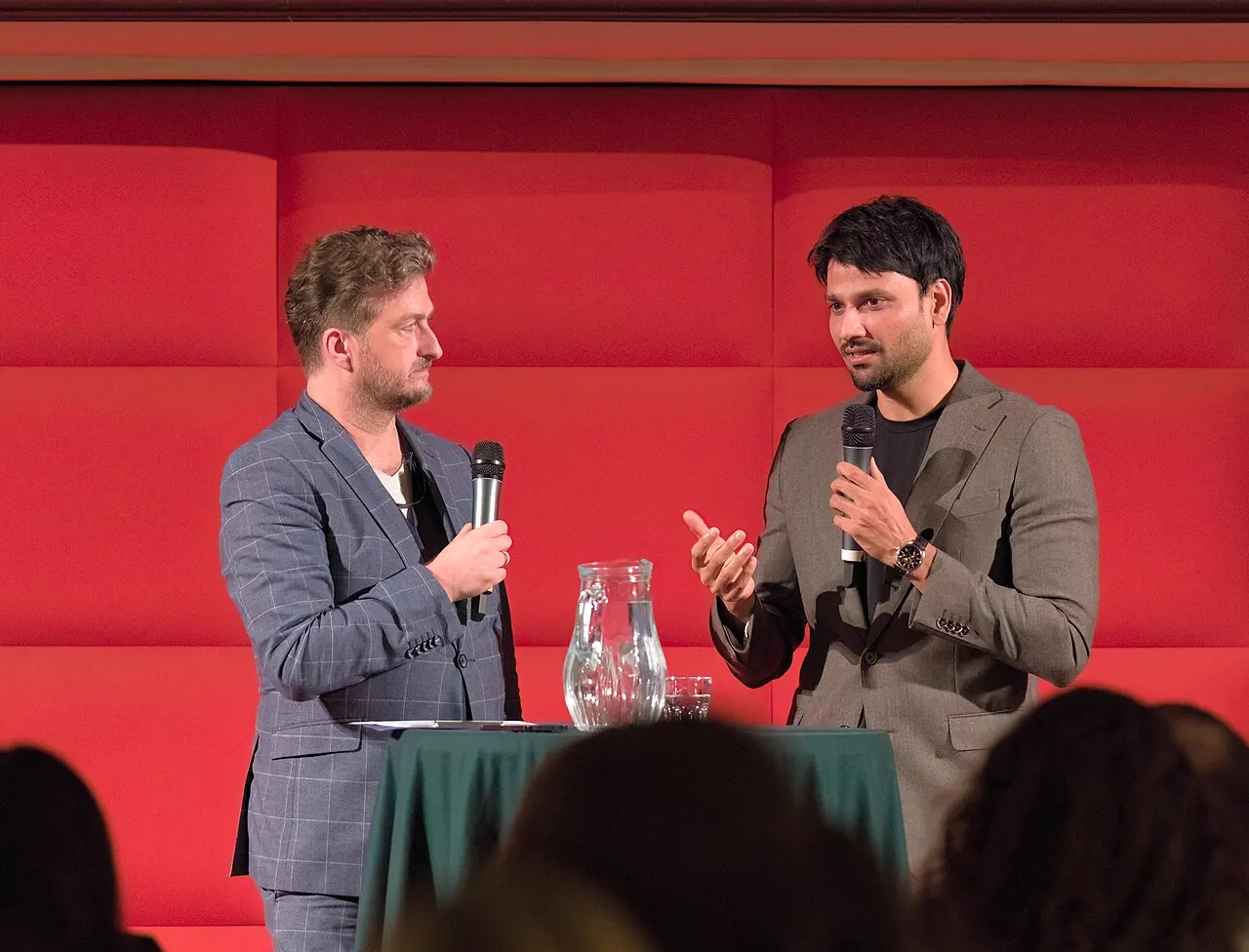
Thesis interviews, qualitative research, reporting, oral history. Upload the interview and Azhu separates interviewer and interviewee into a time-stamped transcript, so all you do is proofread as you listen.
Typing up an hour of interview by hand often takes several hours. Uploaded, an hour of audio is usually done in a few minutes, leaving your time for checking and analysis.
Interviewees can speak Taiwanese Hokkien. When you upload, choose “Taiwanese Hokkien” as the language; it's written out as Mandarin text.
Every passage shows who is speaking. Rename speakers to codes like “Interviewer” and “Participant A” instead of real names.
In the exported TXT every passage starts with the time and speaker, like “[00:12:05] Participant A: …”, so quotes are easy to check against the audio.
Speech recognition and AI summaries run on our own computers in Taiwan. Recordings and transcripts are never sent to outside AI services or used to train models.
Recordings are deleted automatically after the number of days shown on the pricing page, and you can delete any recording at any time; its transcript and summary go with it.
If your ethics review (IRB) application or consent form needs to explain how the data is handled, see the Privacy Policy: it covers where the data is stored, who can access it and how long it's kept.
No separate sign-up; free minutes every month.
From a computer or phone. Close the page once it's up.
An hour of audio usually takes minutes. Edit as you listen.
Treat it as a first draft. There will be mistakes, especially with names, terms and overlapping speech, so check against the audio before quoting.
The maximum length of one recording depends on your plan; subscriptions allow longer recordings. See the pricing page.
TXT and SRT for now. A TXT file pastes straight into Word or Google Docs.
Your recordings and transcripts are only visible when signed in to your account. We don't look at your content except for maintenance, troubleshooting or when the law requires it.